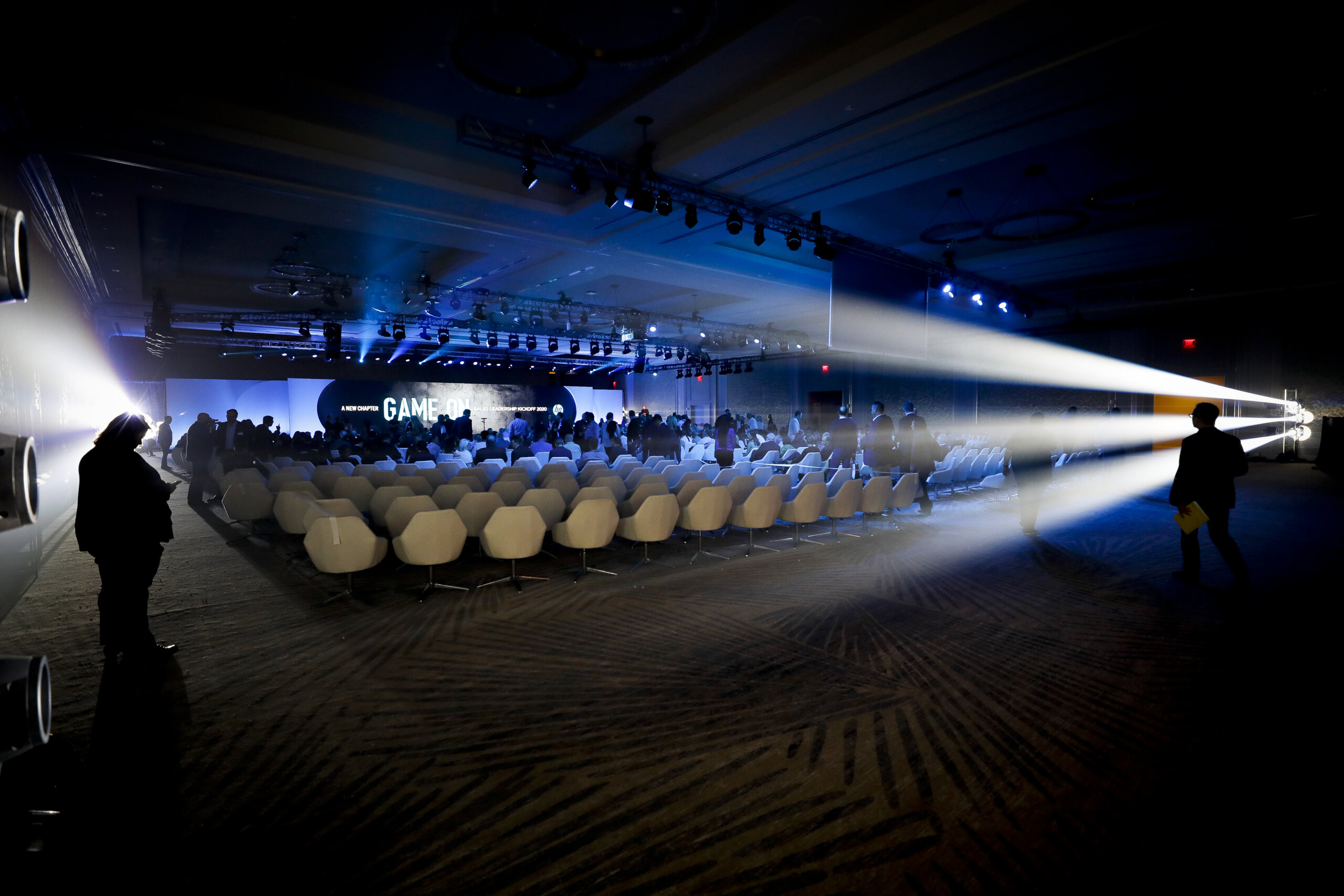
Before and During Event

Here are the key steps to follow for every job:

  • Contact the Client: Reach out to the onsite client the day before the event to introduce yourself and ensure they know who to expect.
  • Arrive Early: Plan to arrive at least 15 minutes before the event starts. This gives you time to set up and get comfortable, which will help put the client at ease. If you’re running late, make sure to inform the client as soon as possible.
  • Turnaround Time: Avoid discussing the turnaround time for delivering files with the client. Politely ask them to direct any timing requests to the producer.
  • No Assistants Without Permission: Do not bring an assistant or second shooter unless you have cleared it with your producer first.
  • Social Media: Refrain from sharing images or details about the event on social media.

Image Delivery: Aim to deliver 35-50 edited images per hour of coverage.

Grand Opening and Architectural Guidelines

Here are the key elements to capture when architectural shots and a grand opening are part of the brief:

  • Outdoor Shots: Include the main entrance, signage, a variety of angles, a possible ribbon cutting, and a group shot. Move around the building to capture different angles of the structure and the surrounding landscaping.
  • Interior Shots: Focus on the reception area, group shots, walls with signage, branding, and logos, promotional materials, and attendee activities during the event.

Please read through the embedded pdf. 

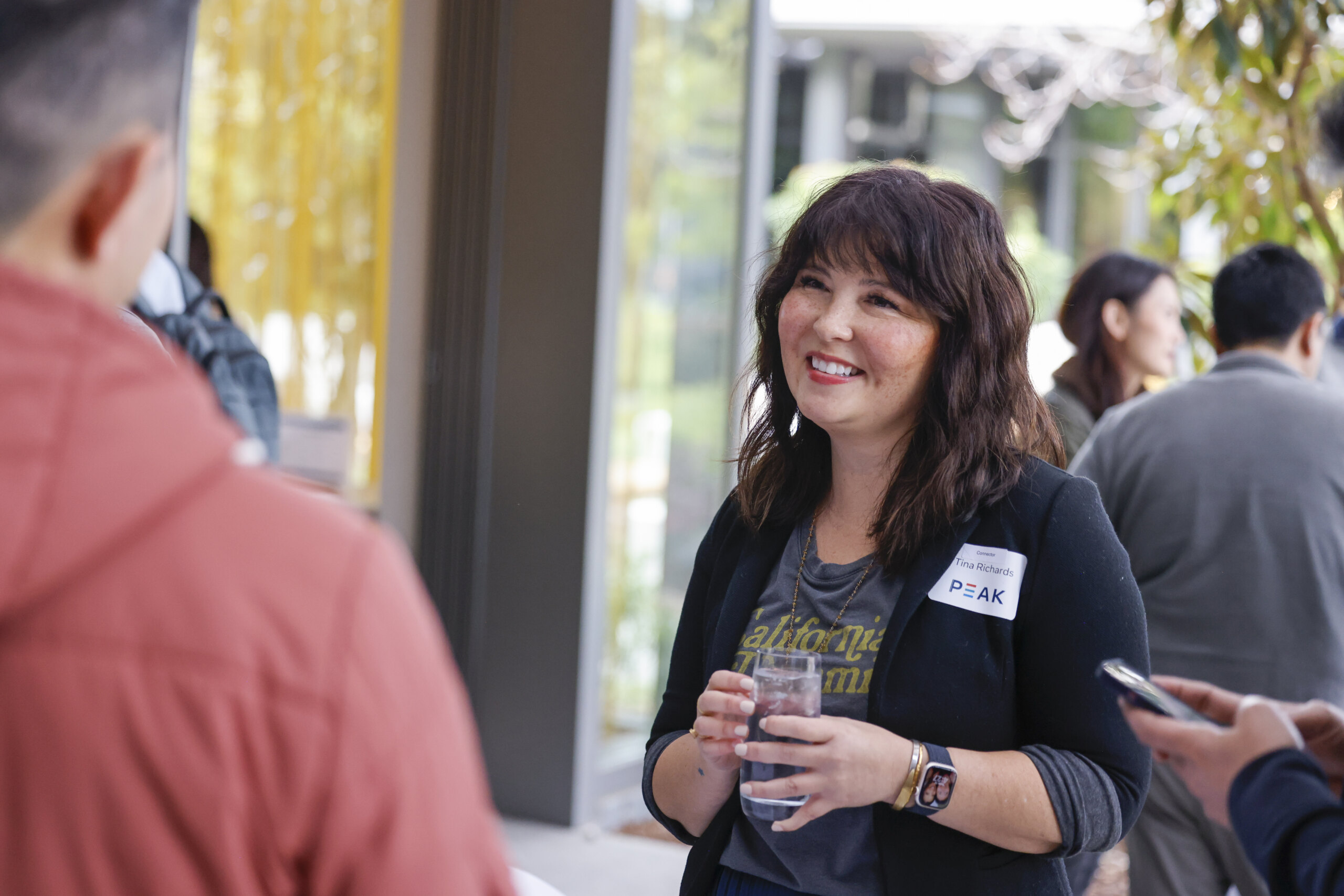
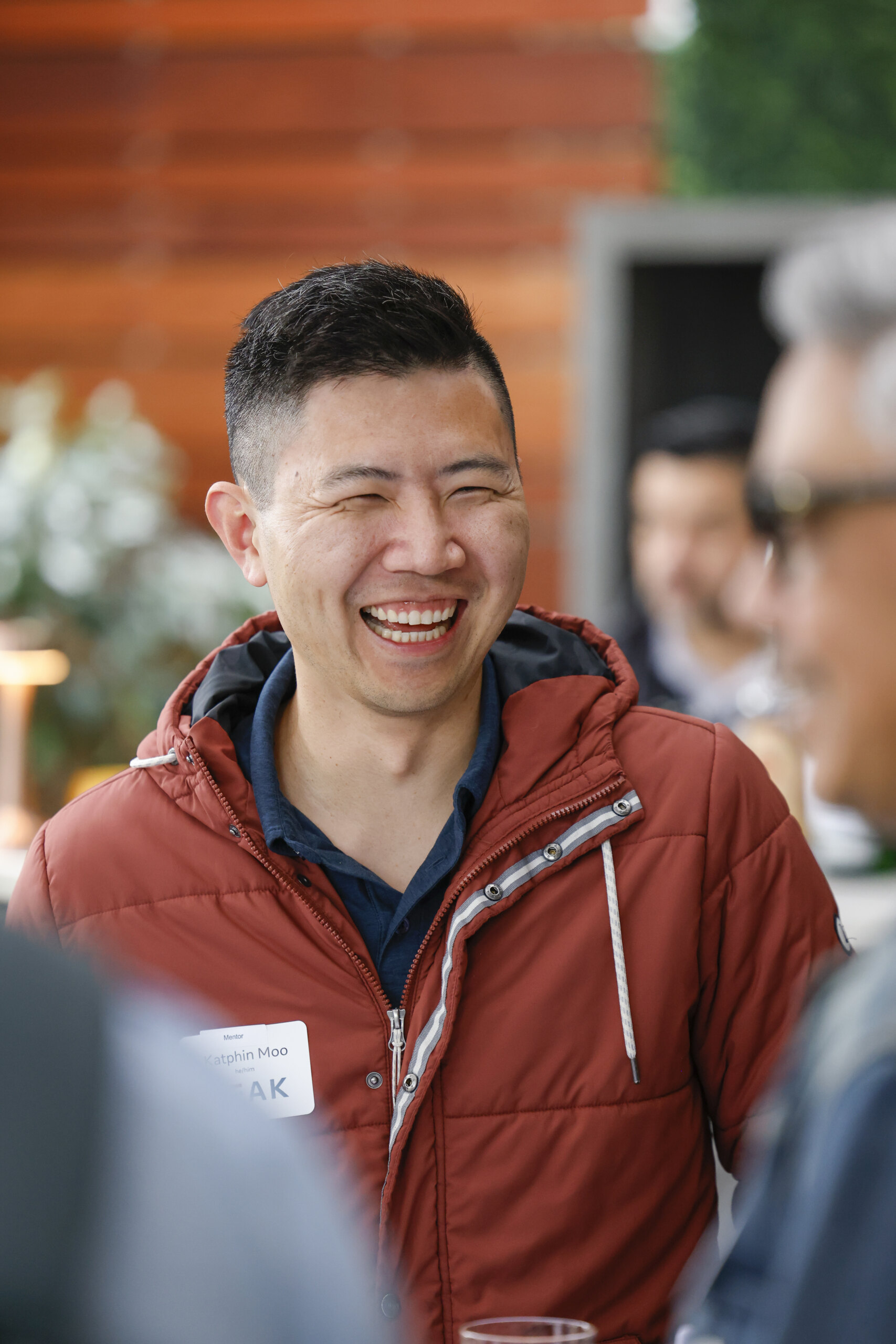
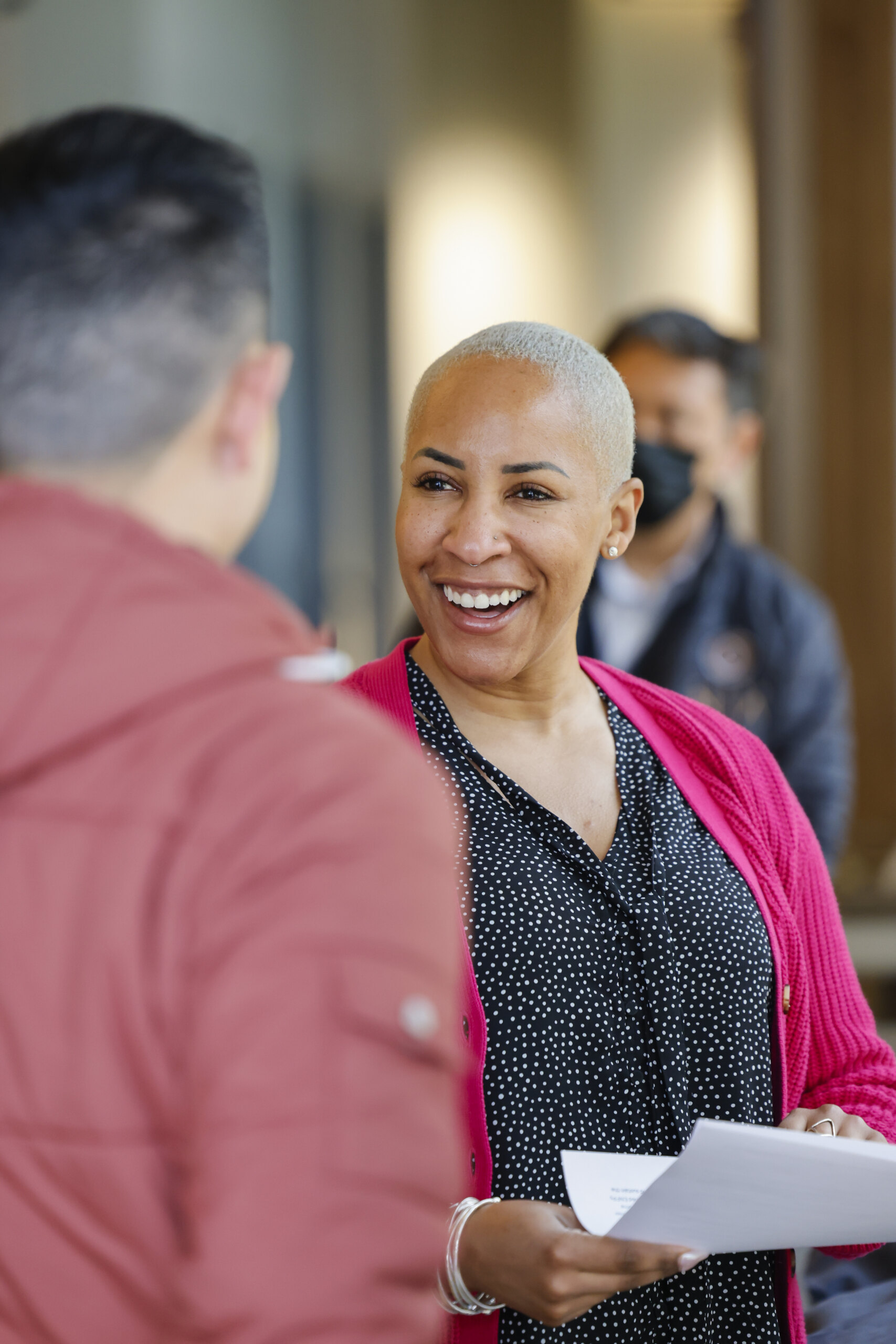
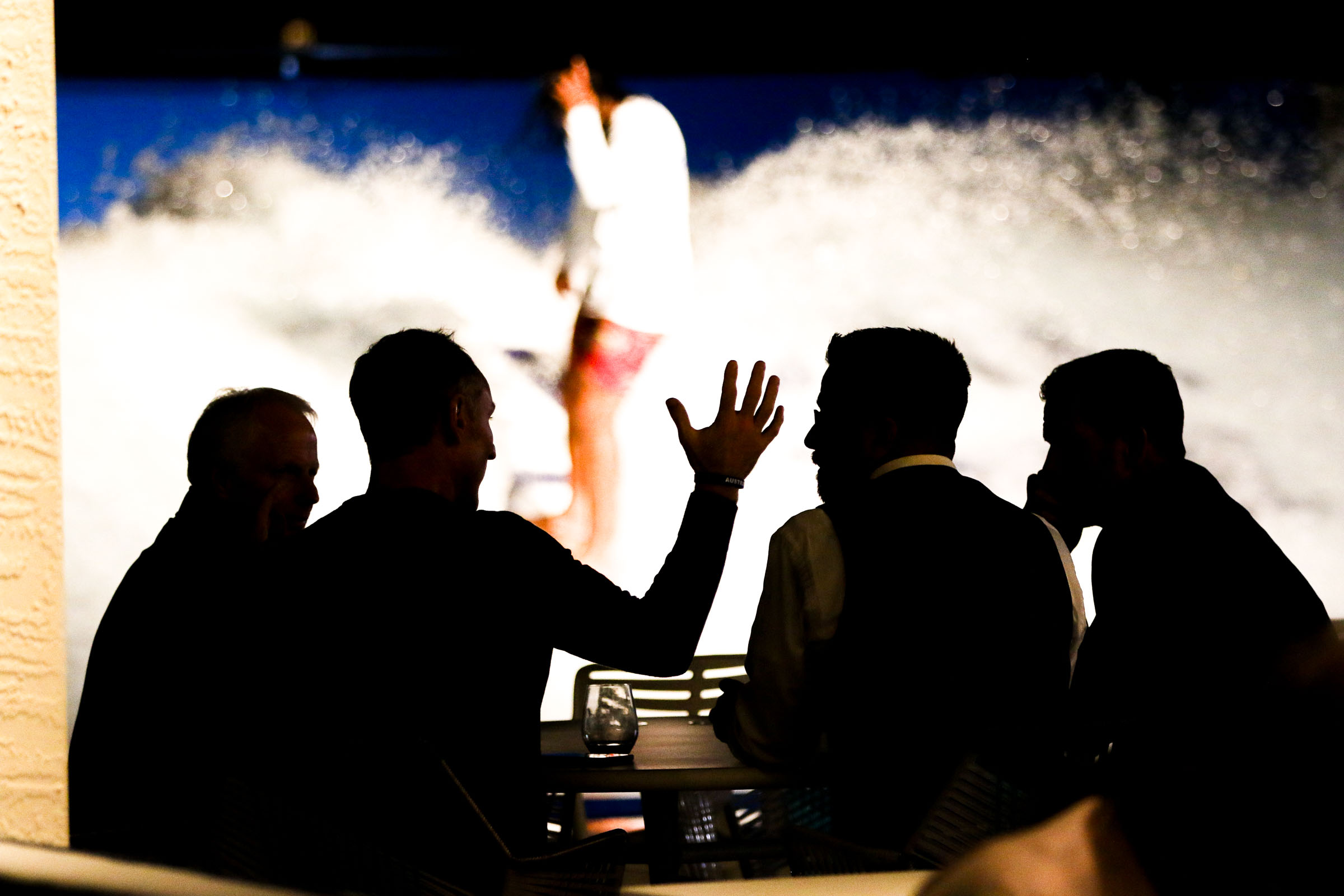
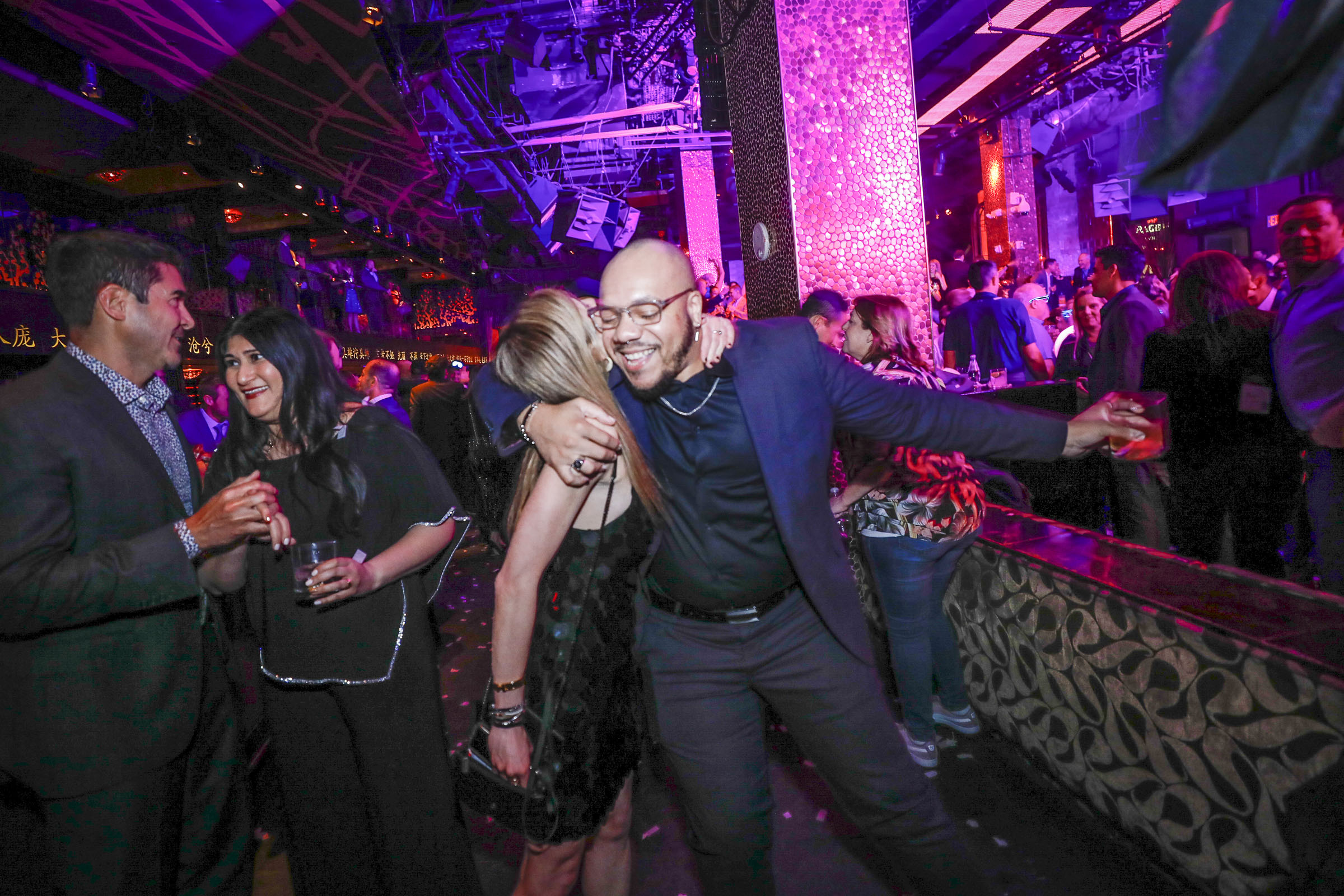
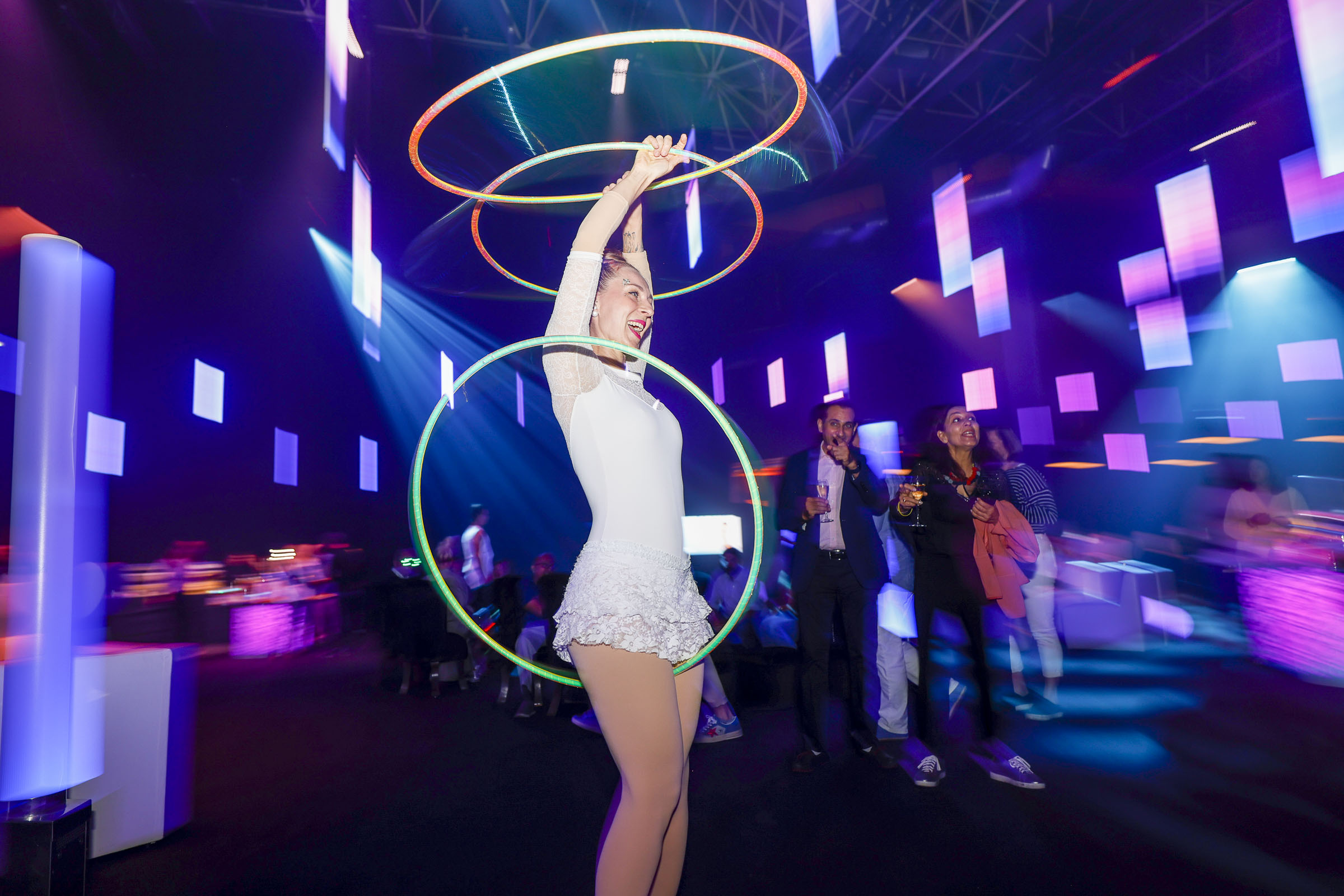
Candid/Environmental Shots

When capturing candid and environmental shots, here are the top considerations:

  • Use a mix of prime lenses and medium zoom lenses to get a variety of angles and perspectives. Flash can be used when needed but try not to rely on it exclusively.
  • Shoot in raw format to ensure the highest quality images. If your camera has dual card slots, save JPEGs to the second slot for backup.
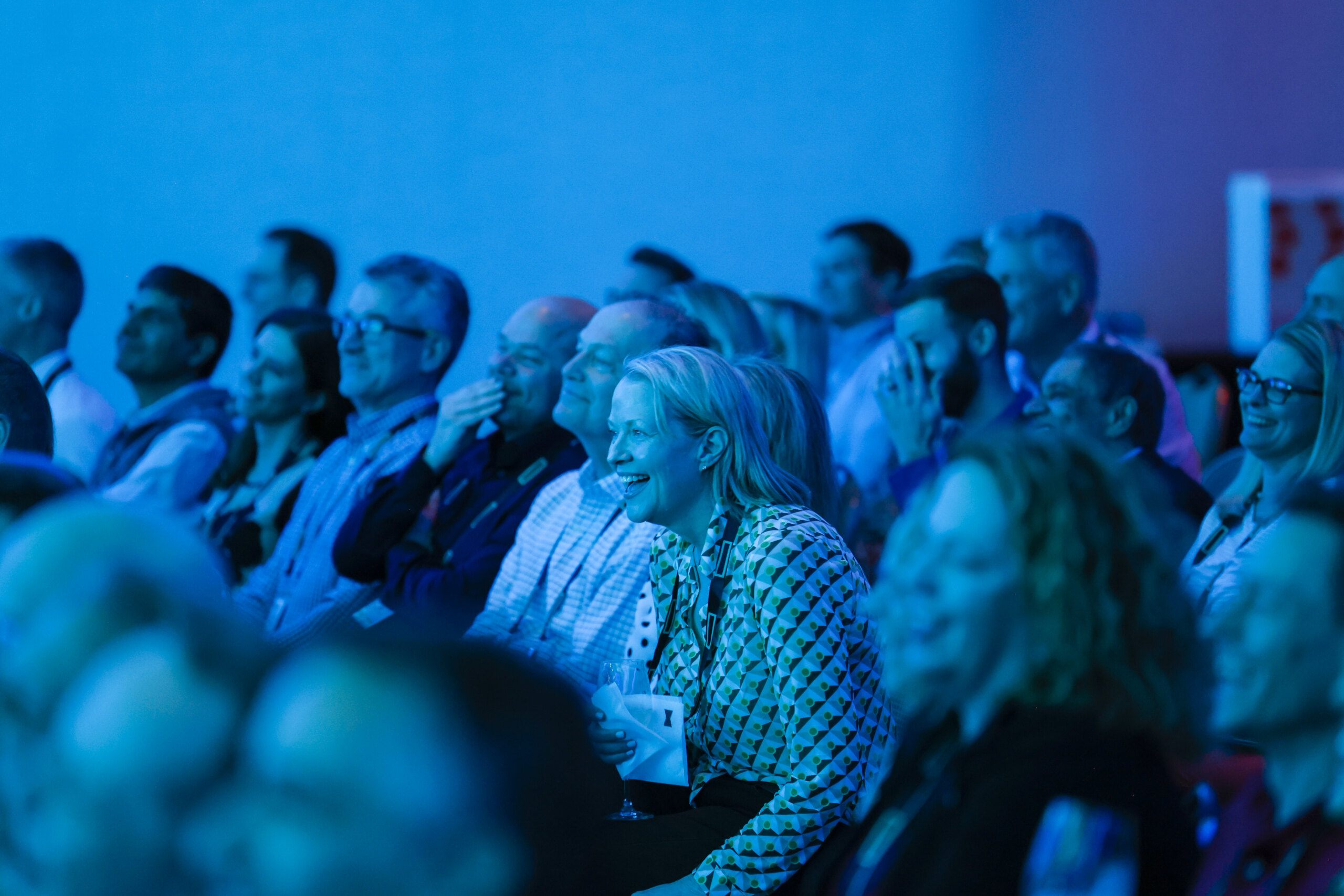
  • Minimize profile shots. Position yourself to capture clear, face-on expressions whenever possible.
  • If you use flash to light your subjects, adjust the ISO and shutter speed to balance the ambient light, ensuring the environment is also well-represented.

The primary focus should be on the people attending the event. Avoid photographing wait staff, bartenders, security, and others unless they are involved in a fun, employee-related interaction.

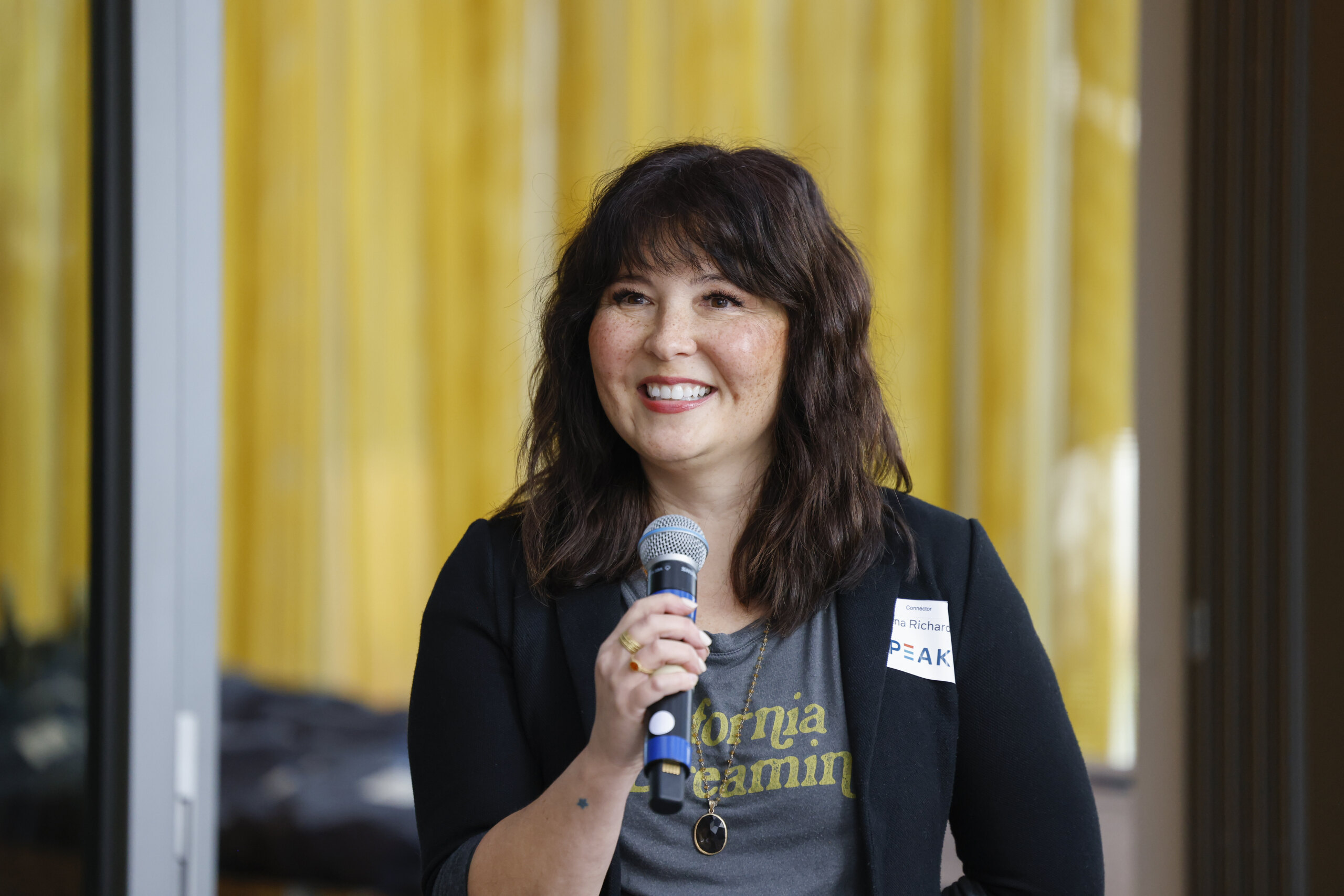
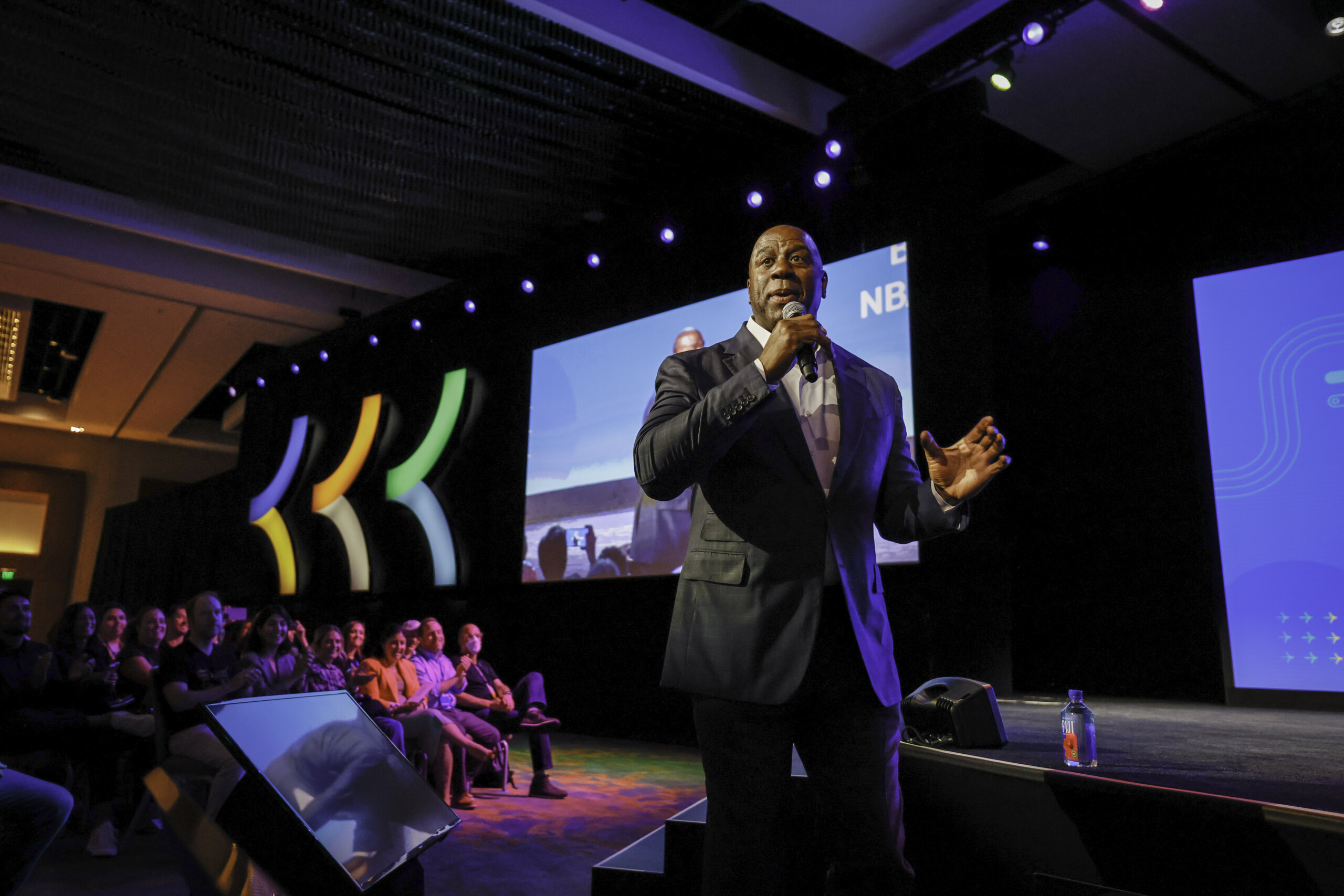
Keynote/Speech/Presenter Shots


Here are the top tips for capturing stage and presentation shots:

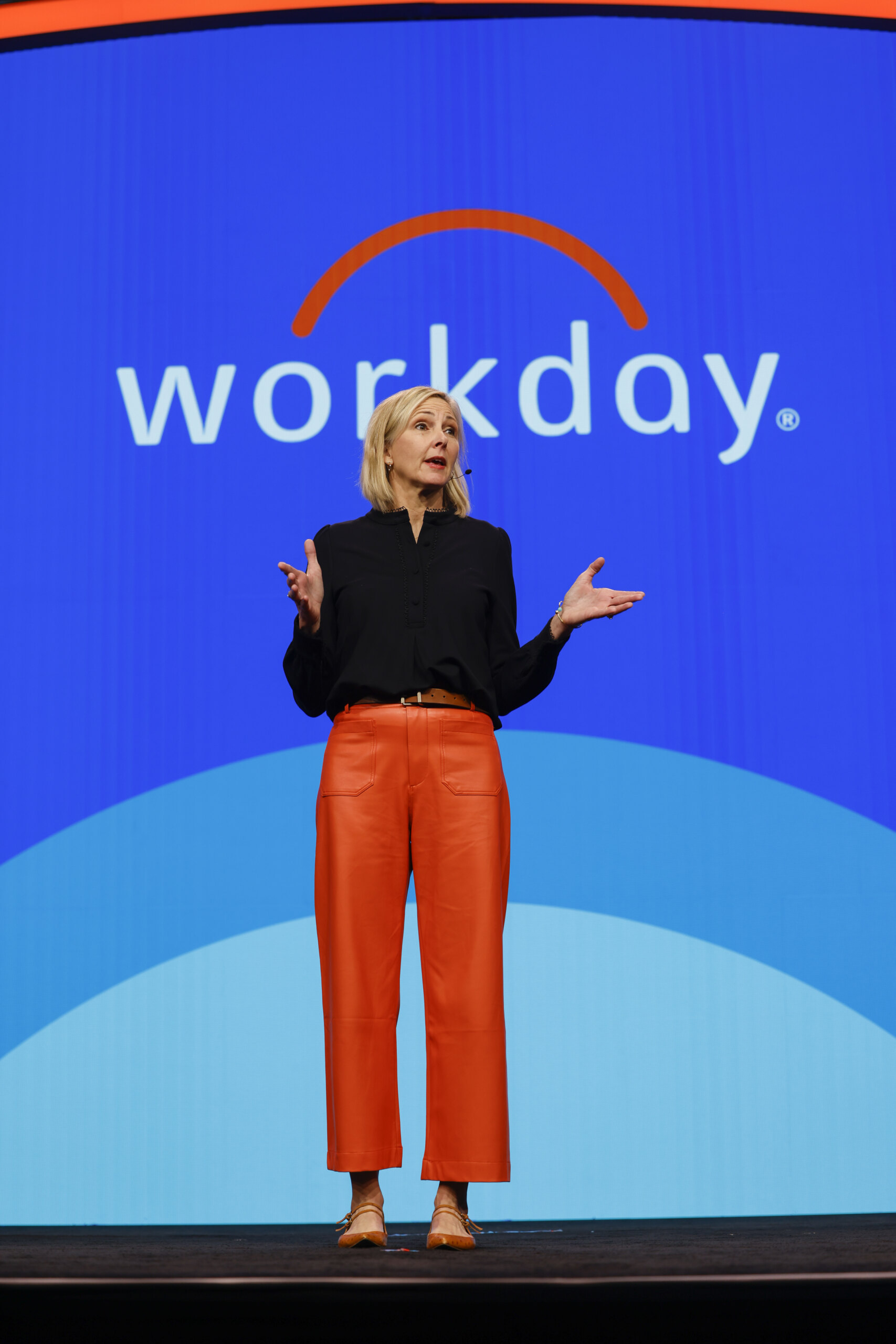
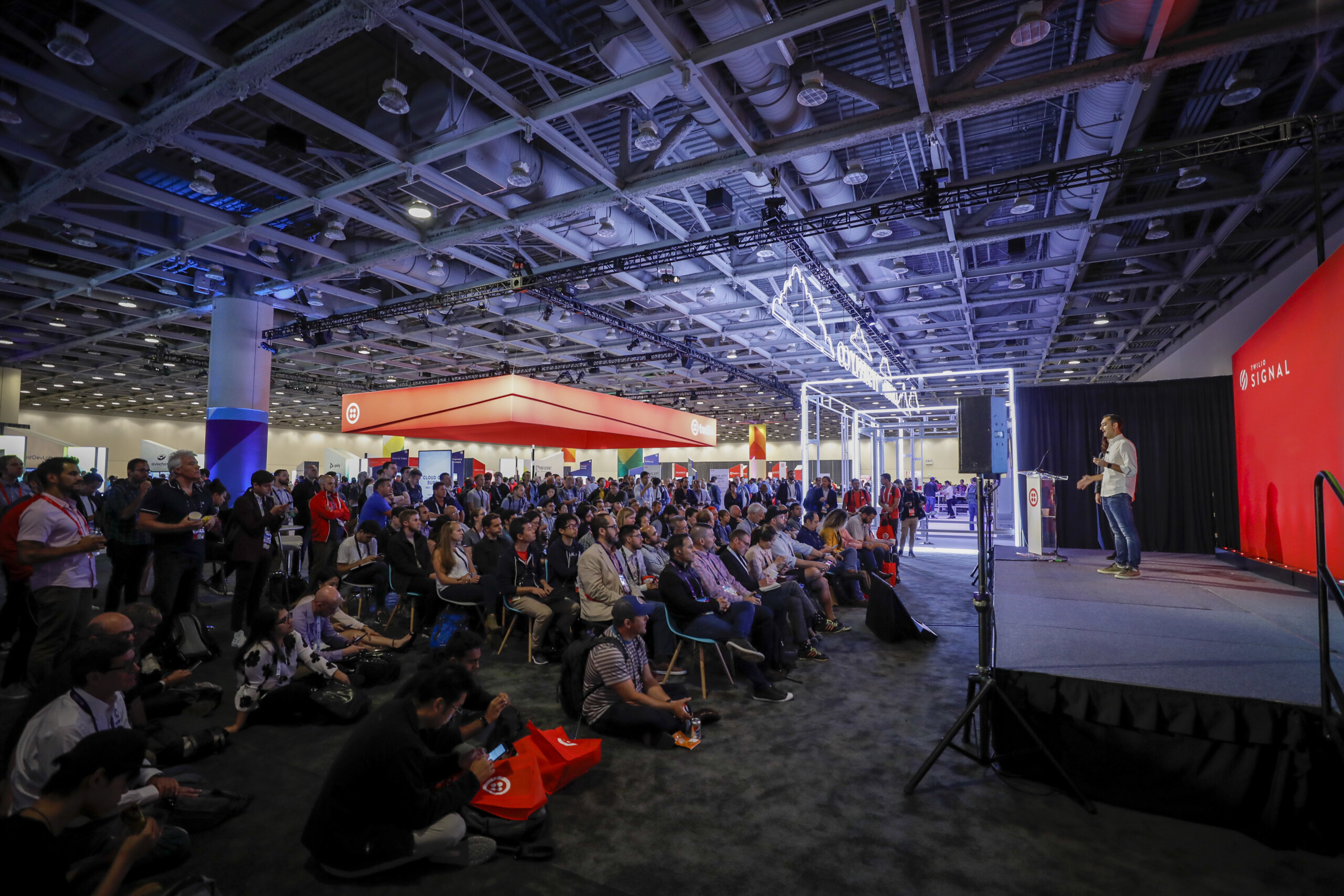
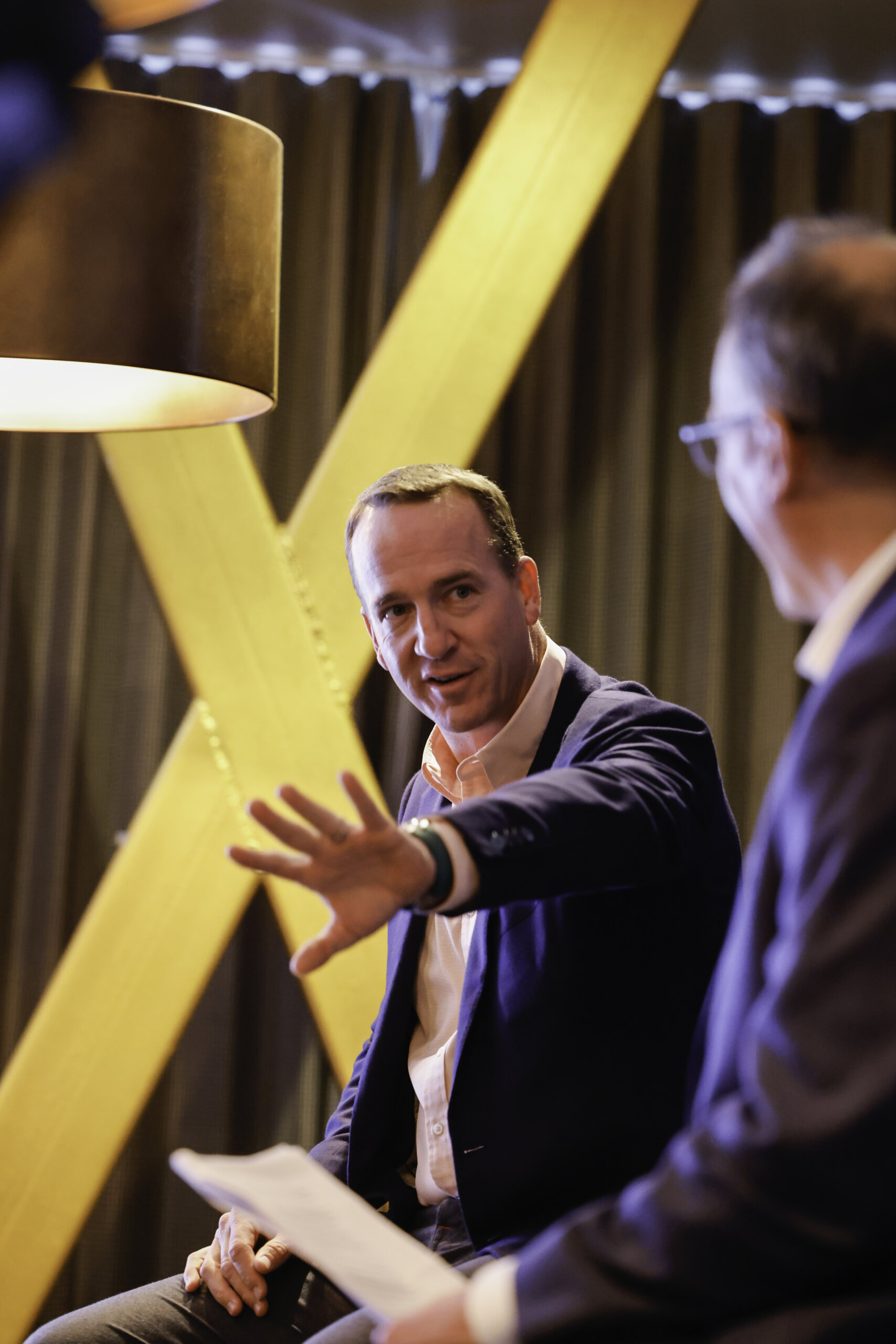
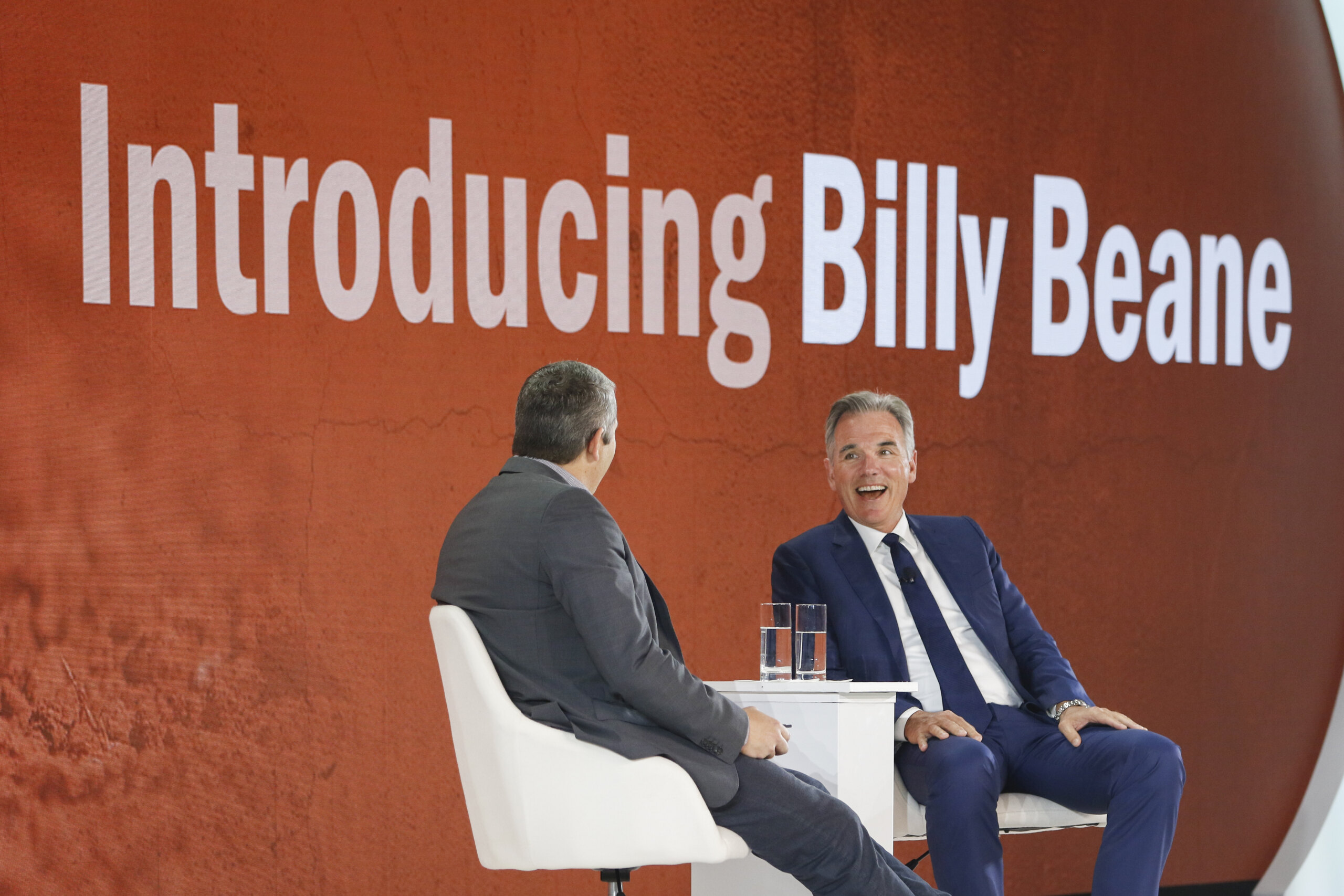
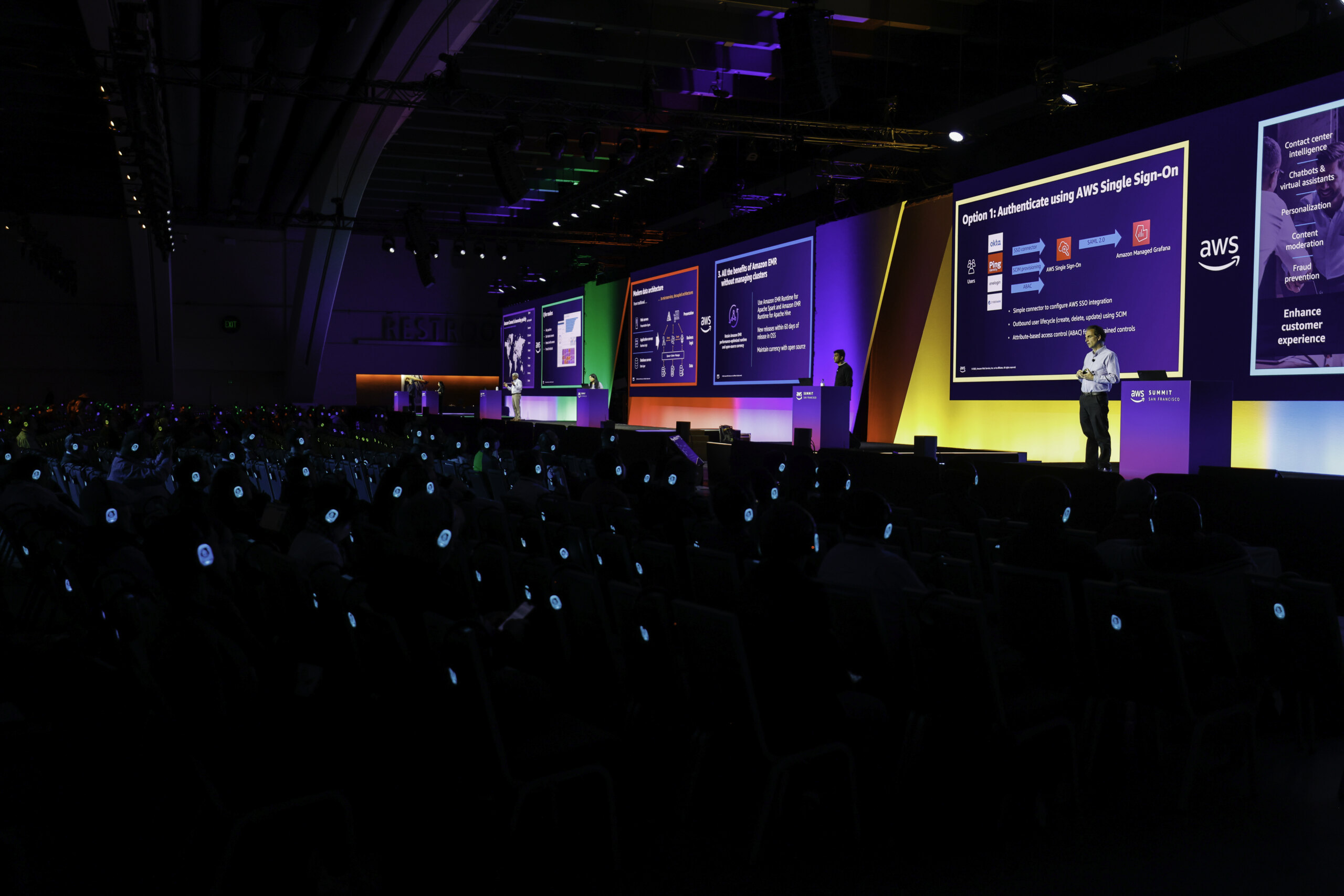
  • Key Speaker Shots: Aim to get at least 5-10 high-quality shots of the key speaker from various angles. If the speaker is on stage for 20 minutes or longer, try to capture even more. Always include shots that feature the speaker with branding, logos, or slides in the background.
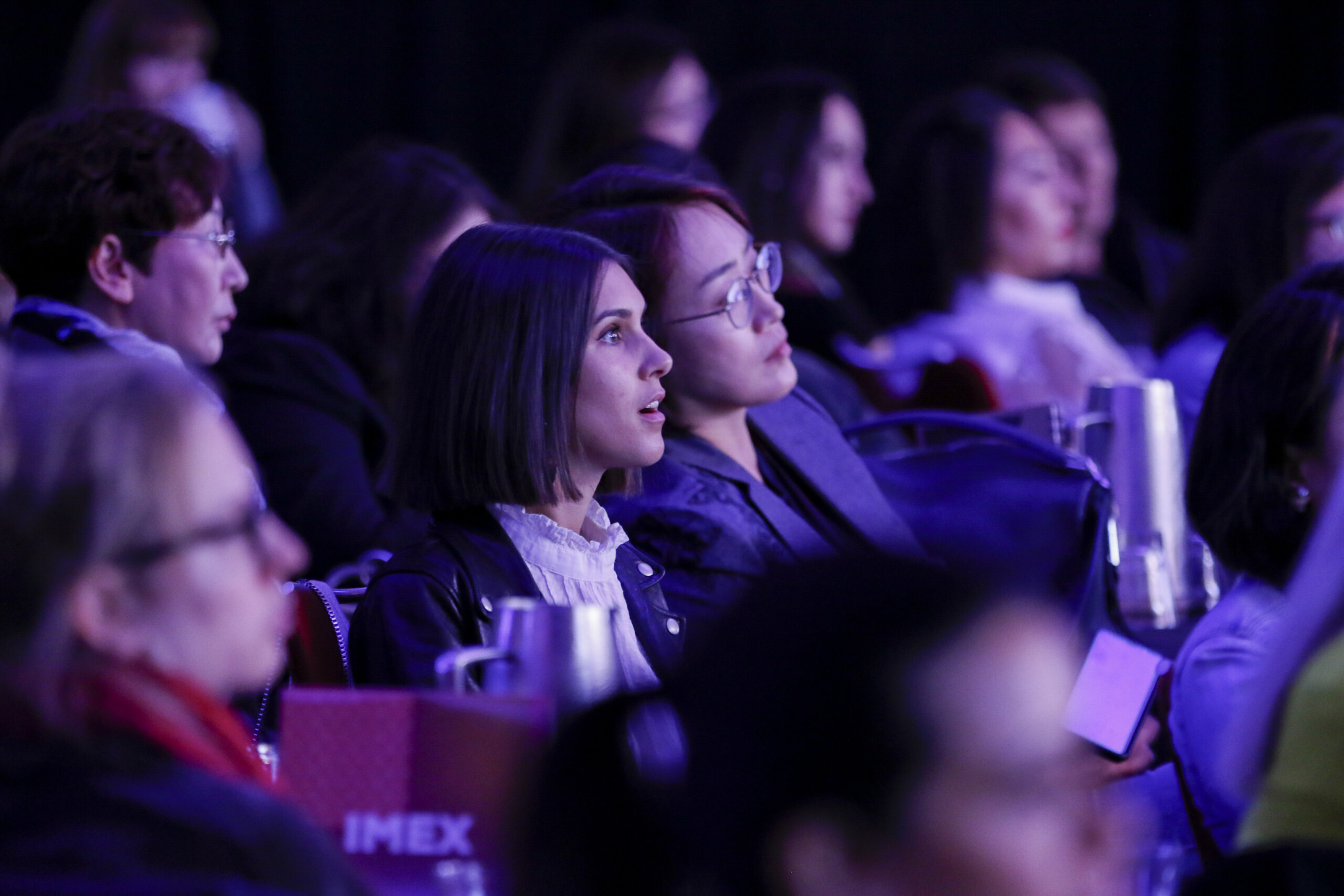
  • Crowd Shots: Capture a mix of wide shots showing the entire audience and tighter shots of individuals or small groups who look engaged and attentive.
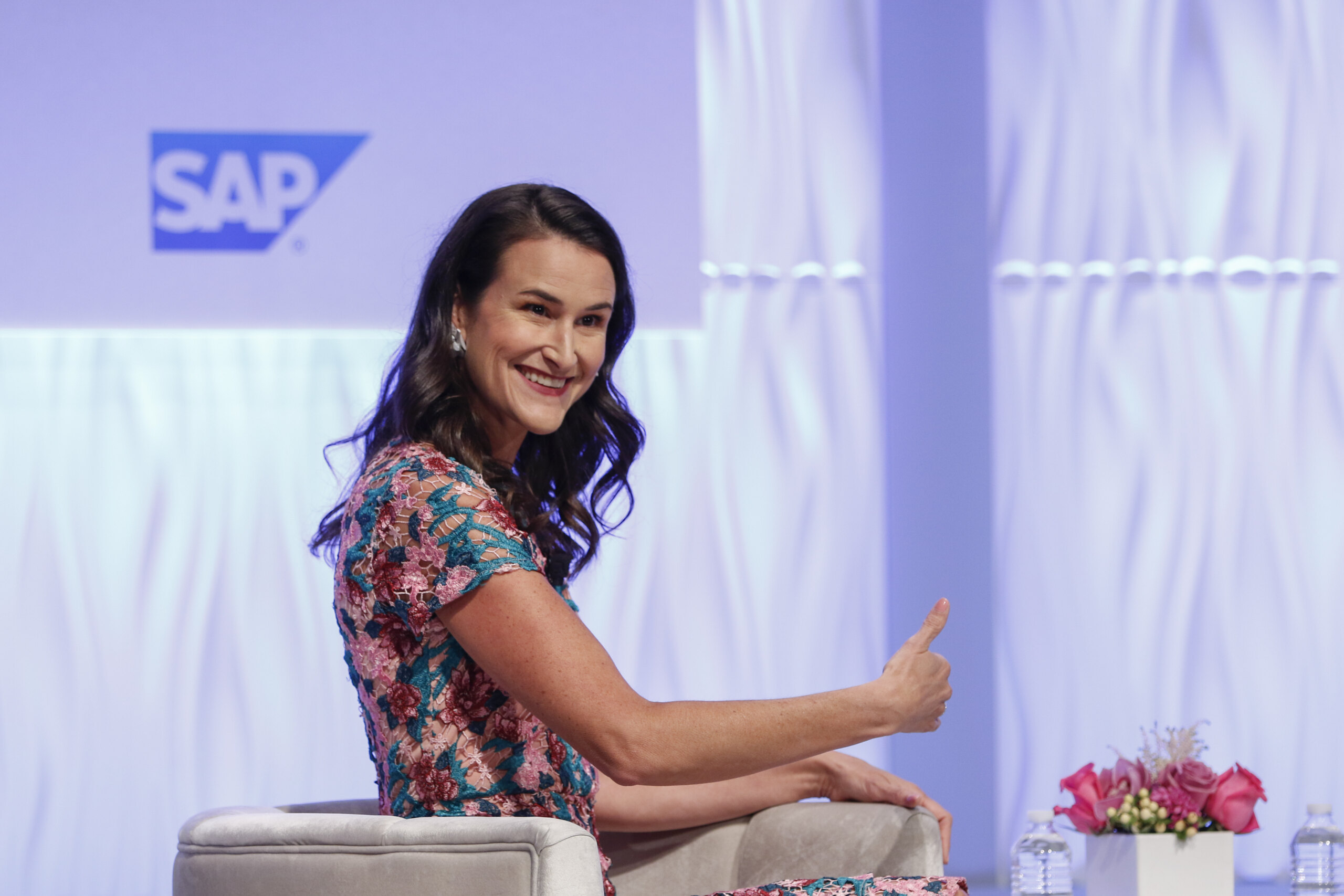
  • Panel Discussions: For panel discussions, take wide shots of the entire panel and individual shots of each panelist from multiple angles.
  • Award Ceremony Shots: Ensure you capture at least two images of each winner. Coordinate with the client beforehand to find out if the winners will pause on stage for photos or if the shots should be more candid.
  •  Examples: Refer to these pages for good examples of the types of images we are looking  Conference, Evening Reception

Post-Production Guidelines

Here are the top expectations for your editing process. The more mindful you are while shooting, the less time you’ll need to spend in post-production.

  • Image Selection: When reviewing your shots, we recommend a two-pass approach to deliver 35-50 edited images per hour of coverage. On your first pass, eliminate all unusable images (poor focus, unsalvageable exposure, weird faces, or eyes closed). Count how many images remain. On your second pass, refine the selection to meet the desired number of images.
  • Rating Images: During the second pass, rate the best images with 4 stars. These should make up about 15-20% of the total edited images.
  • Editing: Perform color and exposure corrections in Lightroom Classic. Use the sync settings feature to apply adjustments in batches. Feel free to crop images to improve compositions, always maintaining a 2:3 aspect ratio.

Export Naming Convention

The naming convention for schwab events is DIFFERENT than our normal naming convention that is documented in your project portal page. The naming convention you should use for schwab event is (XXX is the sequence number) 

State_City_Event description_XXX

Examples:

WA_Tacoma_Pickleball_001

IL_Chicago_Golf_001

AZ_Phoeniz_HyattHotel_001