
Home · Associates · Video guidelines
Associate field guide
Video associate shooting and delivery guidelines
For Orange Photography conference, interview, and event video assignments. Capture standards, on-site handoff, and delivery of camera originals and edited drafts through the project’s shared Google Drive folder.
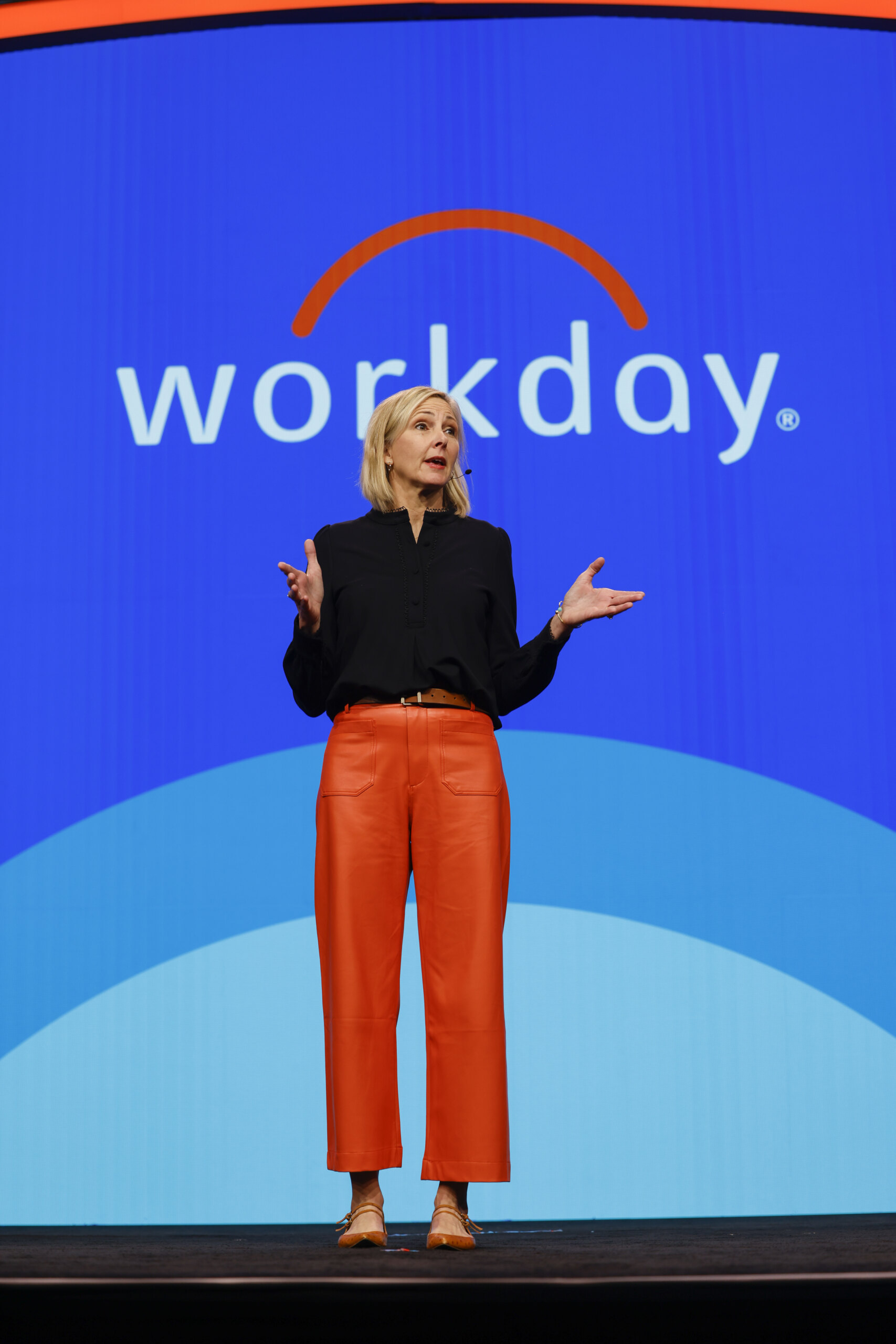
The project brief and client requirements set the final scope whenever they specify different settings or deliverables.
The capture defaults below are operating recommendations for associates. The current project brief, client specifications, and producer direction take precedence.
Required for every assignment
01 · Before the event
Arrive with the brief, the access, and the kit confirmed
02 · Capture settings
Default settings when the brief is silent
Follow the project brief first. If it does not specify settings, use these defaults when your camera supports them. Keep settings consistent across cameras and operators so the editor can match footage cleanly.
| Item | Default recommendation | Field notes |
|---|---|---|
| Resolution | UHD 4K (3840 × 2160) | Use the requested delivery format if specified. Do not up-res lower-resolution footage. |
| Frame rate | 29.97 fps for standard event coverage | Choose one project-wide rate. Use 23.98/24 fps only when requested or agreed in the brief. |
| Shutter | About 1/60 sec at 29.97 fps | Keep motion natural. For 59.94 fps slow motion, use about 1/120 sec and capture it intentionally. |
| Color / codec | Highest practical camera-original quality; 10-bit when available | Use Log only when requested and you can expose it correctly. Do not mix Log and standard profiles without telling the producer. |
| Audio | 48 kHz; 24-bit WAV where available | Monitor with closed-back headphones. Record a backup track for interviews and stage audio when practical. |
| White balance | Set manually for each lighting condition | Avoid Auto WB shifts during a shot. Recheck after moving between rooms or changing light. |
| Orientation | Landscape as the primary format | Capture vertical versions only when requested; leave safe space around subjects and key action. |
03 · On-site shooting standards
Coverage the editor can actually cut
- Capture establishing wides, medium coverage, close details, audience reactions, speakers, sponsor and environmental branding, registration, networking, demonstrations, and transitions. Hold each shot long enough to edit, generally 8–10 seconds, with a steady start and finish.
- Prioritize the moments and people named in the brief. Capture clean, unobstructed views of signage and branding, but do not let logos dominate every shot.
- For highlight videos, collect visual details and human moments that support the event’s message. For documentary or chronological deliverables, cover the complete requested session and preserve the sequence.
- Move deliberately. Avoid unnecessary pans, zooms, focus hunts, exposure changes, and repeated start-stop clips. Use a tripod or monopod for long sessions, interviews, and locked-off angles.
- Frame interviews at eye level with clean backgrounds, comfortable headroom, and room in the direction of the subject’s gaze. Check wardrobe, reflections, background movement, and visible brand elements.
- Use a lavalier microphone as the primary source and a boom or recorder feed as backup when available. Listen before and during each interview. Ask the subject to pause before and after each answer; record room tone for 30 seconds.
- For panels or keynotes, record a clean audio feed when available and test it before the session begins. Capture audience questions and the speaker’s response. For multi-camera sessions, match frame rate, white balance, exposure, and picture profile; sync with timecode or a visible/audio clap at the start.
- Avoid blocking attendee sightlines or interfering with event staff. Respect posted restrictions and producer instructions for VIPs, private meetings, and no-recording areas.
- When the assignment calls for a stationary speaker, use two cameras when available: a locked wide shot that keeps the full speaking area in frame as the safety angle, and a tighter medium or close shot of the speaker. Keep both recording throughout the presentation so the editor can cut between angles without gaps.
- Place cameras so the wide angle shows the speaker, podium or stage context, and any important presentation screen without blocking attendees. Keep the tight angle steady on the speaker and avoid unnecessary reframing during key remarks.
- Match both cameras’ frame rate, resolution, shutter, white balance, exposure, and picture profile. Focus each camera before the session and check the frame periodically without interrupting recording.
- Record scratch audio in-camera on both cameras, even when using a house or external audio feed. At the start, make a visible and audible clap or slate in both views; use timecode sync when available. Confirm audio is present on both files and note the external audio source and any sync issues for the editor.
- 1080p is acceptable if the assignment is limited to recording stationary speaker presentations, unless the project brief or client requires 4K. Match both cameras to the same resolution and frame rate.
04 · Media handling and Google Drive delivery
Every original, in the shared folder, verified
Upload all raw camera originals and recorded audio to the project’s shared Google Drive folder: every camera clip, separate audio, and any relevant camera or sound notes. Do not deliver only selects, proxies, or a finished export when originals were recorded.
Upload rules
05 · Editing and draft delivery
Drafts live in 04_DRAFTS, numbered
When editing is part of your assignment, upload review drafts to the project’s shared Drive folder in 04_DRAFTS. Do not send the only draft by email, messaging app, or a private file-transfer link.
Client_Event_Deliverable_v01_YYYY-MM-DD_REVIEW.mp4
06 · File naming and delivery checklist
Before you call it done
For exported edits and notes, use Client_Event_Deliverable_Camera-or-Version_Date. Use simple names without special characters. Keep source camera filenames intact.
Source alignment
These guidelines reflect Orange’s conference and video materials, which describe a mix of highlight and documentary coverage, event b-roll and interviews, multi-camera panel and interview recordings, and a library of content for different marketing uses. The capture defaults are operating recommendations for associates; the current project brief, client specifications, and producer direction take precedence.